
AI Agents
Introduction
AI agents take a goal you describe and work out their own steps to reach it — browsing the web, running code, calling other tools, and coordinating sub-tasks — instead of following a fixed script you wrote in advance. That autonomy is the point: they suit open-ended, judgment-heavy work that's too messy to pin down as a rigid workflow ahead of time. This page is for people who want to hand off a whole task rather than each step, and for teams weighing a ready-to-use agent against a platform for building their own.
Top recommendations
Manus
FreeA general-purpose autonomous AI agent that plans multi-step tasks from a single prompt, browsing the web, writing code, and delivering finished documents, slides, or small web apps.
Relevance AI
FreeA no-code platform for building and coordinating teams of AI agents — an 'AI Workforce' — that handle business tasks like outreach, research, and support across thousands of integrations.
Comparison
| Tool | Best for | Pricing |
|---|---|---|
| Manus | Individuals and small teams who want to hand off open-ended research, web, or file-creation tasks to an agent that plans its own steps | $20/month (Standard plan, ~4,000 credits) |
| Relevance AI | Business and operations teams that want to build custom AI agents without writing code | $19/month (Pro plan, billed annually) |
| CrewAI | Developers and engineering teams who want to build custom multi-agent systems in code rather than a no-code interface | Free (Basic tier); custom pricing for Enterprise |
| Microsoft Copilot Studio | Organizations already standardized on Microsoft 365 that want agents embedded in Teams, SharePoint, and Copilot Chat | Included with Microsoft 365 Copilot ($30/user/month); standalone pay-as-you-go at $0.01/Copilot Credit or $200/month per 25,000-credit pack |
| Salesforce Agentforce | Organizations already running Salesforce (Service Cloud, Sales Cloud) that want agents embedded directly in their CRM data and processes | $2 per conversation (consumption pricing) |
| Google Gemini Enterprise | Enterprises already using Google Cloud or Workspace that want a unified, branded AI assistant across internal data sources | $30/user/month (Standard, 12-month commitment) |
Reviews
Manus
A general-purpose autonomous AI agent that plans multi-step tasks from a single prompt, browsing the web, writing code, and delivering finished documents, slides, or small web apps.
Read the full review — Manus →Relevance AI
A no-code platform for building and coordinating teams of AI agents — an 'AI Workforce' — that handle business tasks like outreach, research, and support across thousands of integrations.
Read the full review — Relevance AI →CrewAI
An open-source Python framework, plus a managed cloud platform, for building and orchestrating multi-agent AI systems where developers assign agents roles, tools, and tasks.
Read the full review — CrewAI →Microsoft Copilot Studio
Microsoft's low-code platform for building, customizing, and governing AI agents that plug into Microsoft 365 apps, organizational data, and thousands of external connectors.
Read the full review — Microsoft Copilot Studio →Salesforce Agentforce
Salesforce's autonomous AI agent layer built into the Salesforce platform, used to handle customer service conversations, sales tasks, and other CRM-embedded work with limited human supervision.
Read the full review — Salesforce Agentforce →Google Gemini Enterprise
Google Cloud's enterprise agent platform (formerly Agentspace) — a company-branded search and assistant layer plus a no-code builder for agents grounded in an organization's own data and connected apps.
Read the full review — Google Gemini Enterprise →Frequently asked questions
How is this different from AI Automation (Zapier, Make, n8n, Lindy, Gumloop, Activepieces)?
AI Automation platforms mostly run explicit, deterministic workflows — trigger X, do Y, then Z — even when an AI step is inserted somewhere in the middle. The tools on this page are built around an agent that plans its own sequence of steps toward a goal you describe, rather than following a diagram you assembled in advance. Lindy sits conceptually close to this category, but it's covered under AI Automation because its core interface is still a workflow you build; the tools here were chosen for open-ended, judgment-heavy autonomy rather than a fixed pipeline.
How is this different from AI Coding (Cursor, GitHub Copilot, Devin, Replit Agent, Amp, Tabnine)?
AI Coding assistants are agents scoped specifically to writing, editing, and shipping code inside a codebase. The tools on this page are general-purpose — they can browse the web, produce documents, coordinate other agents, or act on CRM data, with coding as at most one capability among several rather than the whole point of the product.
Do I need to know how to code to use an AI agent platform?
No, for most of them. Manus, Relevance AI, Microsoft Copilot Studio, Salesforce Agentforce, and Google Gemini Enterprise are all designed for natural-language or no-code use. CrewAI is the exception — it's a code-first Python framework aimed at developers who want direct control over how agents are orchestrated.
Are autonomous agents safe to give real access to email, files, or business systems?
Treat this carefully. The more autonomy an agent has, the more its actions and outputs can vary from run to run compared with a deterministic workflow, and mistakes can be harder to catch before they happen. Start with limited permissions and human review on anything customer-facing, financial, or otherwise high-stakes, and expand access only once you trust a specific agent's behavior on your own data.
Why aren't AutoGPT or Multion included here?
Both are still around, just not as a fit for this page. AutoGPT remains an actively maintained open-source project — it shipped v0.6.59 in May 2026 and now includes a hosted platform with a visual Agent Builder — but it functions more as a general-purpose, self-hosted agent framework for developers than a ready-to-use product comparable to the others here. MultiOn rebranded to AGI, Inc. and now ships AGI-0, a screen-reading computer-use agent, rather than being acquired or discontinued. Neither is covered as a separate entry, but both are worth knowing under their current names.
How to choose the right AI agent platform
The first question isn’t which agent is smartest — it’s how much you want to build versus use as-is. From there, a few practical questions narrow the field:
- Ready-to-use agent or a platform to build one? Some tools you simply prompt, and they plan, browse, and deliver. Others are frameworks for designing your own multi-agent systems — more control, but more setup before you get anything back.
- No-code or code-first? Business and ops teams usually want a natural-language or visual builder. Developers who need direct control over how agents are orchestrated will want a code-first framework instead.
- Is it tied to an ecosystem you already run? Several enterprise agent platforms only really pay off if you’re already invested in a particular cloud, CRM, or office suite, because that’s where their data and permissions live.
- Is this actually an agent job? If a process must run the exact same way every time, a deterministic automation tool fits better. If the work lives entirely inside a codebase, a coding assistant scopes the autonomy more usefully than a general agent.
- Model the real cost, not the sticker price. Credit systems, per-action charges, per-conversation fees, and per-seat licenses all behave differently once a task runs at real volume. Estimate your expected usage before comparing plans, and budget for setup effort on the enterprise platforms.
How AI agents differ from automation that follows a script
The older way to automate work was to spell out every step in advance: when X happens, do Y, then Z. That works when a process is well-defined and repeats the same way each time. An agent flips it around — you describe the destination and let it work out the route, reacting to what it finds along the way. That difference matters most when a task is too open-ended to diagram: researching a market, drafting a working document, triaging a messy pile of requests where the right next step depends on what the last one turned up.
The trade-off is predictability. Because an agent decides its own steps, its actions and output can vary from one run to the next in ways a fixed workflow never would, and a wrong turn can be harder to spot before it happens. It earns its place in the messy middle — work too open-ended for a script but too multi-step for a single chat reply — as long as you treat autonomy as something to grant gradually rather than switch on all at once.
Give an agent access carefully
The more an agent can do on its own, the more a mistake can cost, so access is worth rationing. Start any agent with narrow permissions and a person reviewing anything customer-facing, financial, or otherwise high-stakes. Watch how it behaves on your own data before widening what it can touch, and keep a human in the loop on the steps that would be expensive to get wrong. The point isn’t to distrust the tool — it’s to let it earn more autonomy the way you’d trust a new hire with bigger decisions over time.
Related articles
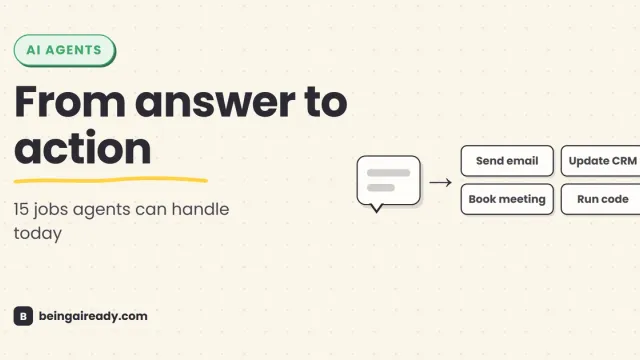
What Can AI Agents Actually Do? 15 Real Examples by Use Case
See what AI agents can do today through 15 real examples across support, sales, research, finance, legal, HR, coding, IT, and security.
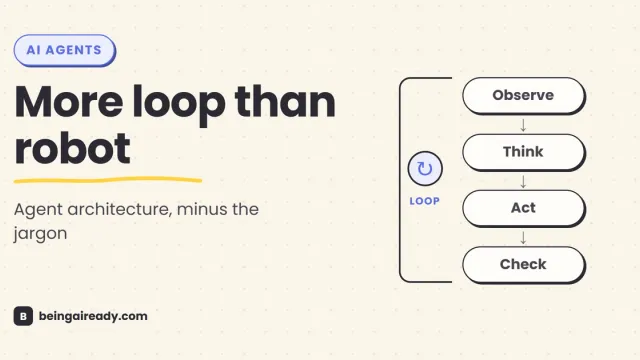
How Do AI Agents Actually Work? Architecture in Plain English
A plain-English guide to AI agent architecture: models, tools, memory, orchestration loops, guardrails, and what happens when an agent takes action.
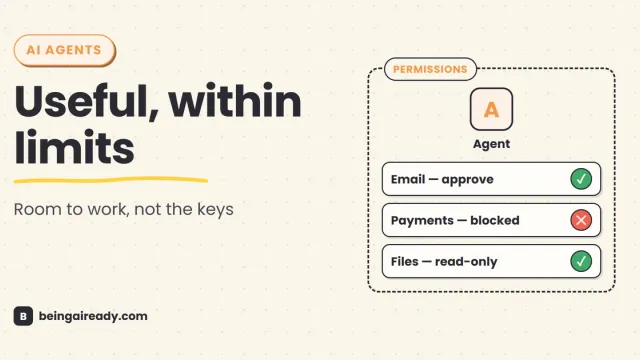
Are AI Agents Safe? Risks, Limits & How to Use Them Responsibly
AI agents can act, not just answer. A practical guide to their real risks, current limits, and the controls that make them safer to use.
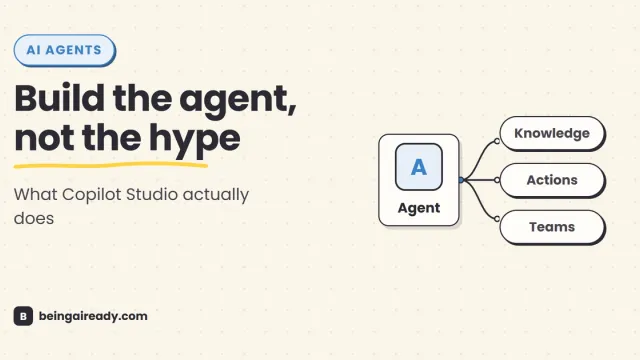
Microsoft Copilot Studio Explained: What It Is & How to Use It
A practical guide to Microsoft Copilot Studio: what it does, how agents work, a step-by-step build, pricing, security, and when to use something simpler.
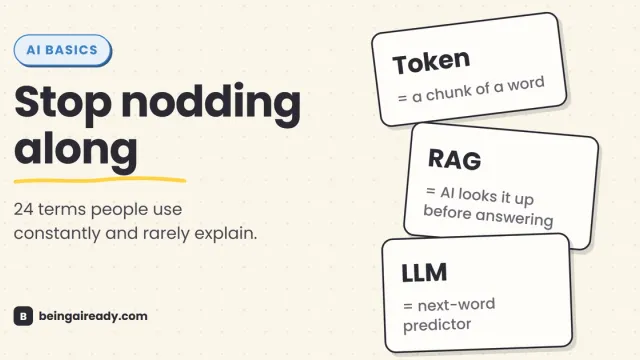
AI Terms Explained: A Plain-English Glossary of 24 Words
The 24 AI terms everyone uses but nobody defines — LLM, tokens, RAG, agents and more — explained in plain English, with analogies that actually stick.